SDK Buildroot Configuration
1. Introduction to Buildroot
Buildroot is a tool specifically designed for embedded systems, aimed at simplifying the process of building embedded Linux systems. By configuring Buildroot, you can customize the software packages and libraries included in your embedded system to meet specific requirements.
- Open the configuration interface. Enter the SDK root directory and start the Buildroot configuration interface. If the SDK has not been compiled before, select the corresponding branch for your development board first:
cd luckfox-pico./build.sh lunch./build.sh buildrootconfig
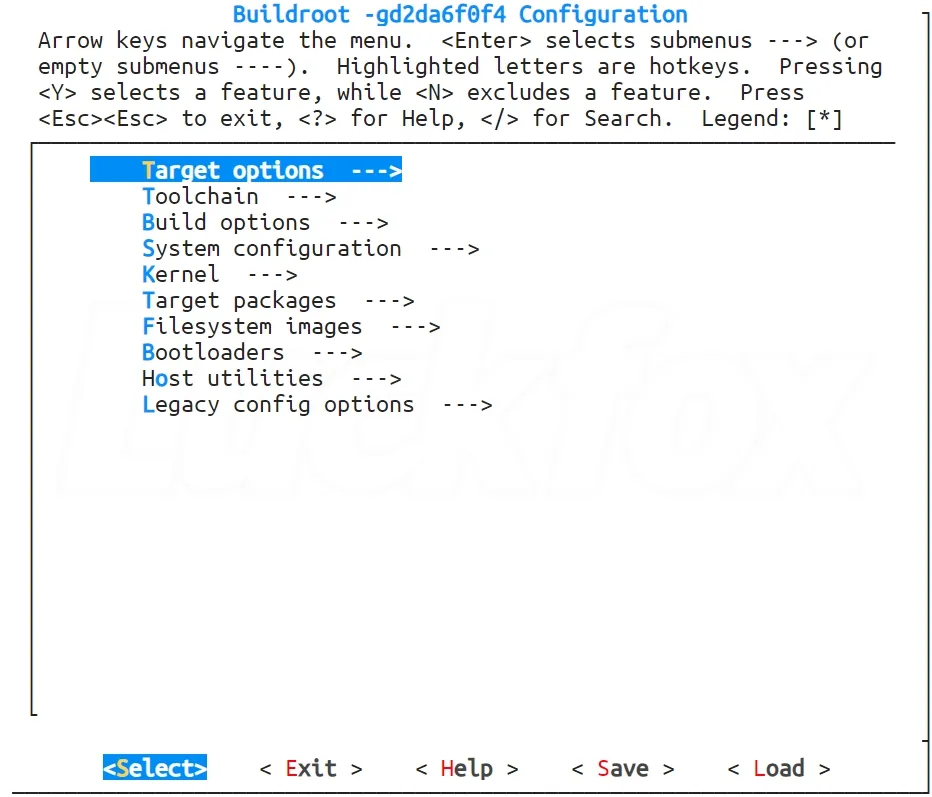
- Basic operations.
↑and↓: Browse and select options←and→: Select operations such as Select and ExitEnter: Enter a submenuYandSpace: Select an option; press twice to deselectN: Deselect an optionM: Select as a moduleEsc: Press Esc twice to return to the previous menu?: View help information for the current option/: Search
2. Example: Adding a Library in Buildroot
Since the RV1106-SDK uses the uClibc toolchain, which differs from Buildroot’s default glibc toolchain, please ensure that any third-party packages you add do not have glibc dependencies.
-
Open the configuration interface. Enter the SDK root directory and start the Buildroot configuration interface. If the SDK has not been compiled before, select the corresponding branch for your development board first:
cd luckfox-pico./build.sh lunch./build.sh buildrootconfig -
Press
/, enterminicom, and press Enter to search.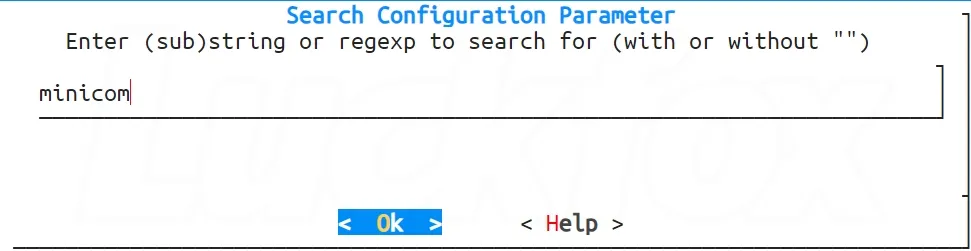
-
If there is only one matching result, press
1to jump to that configuration item.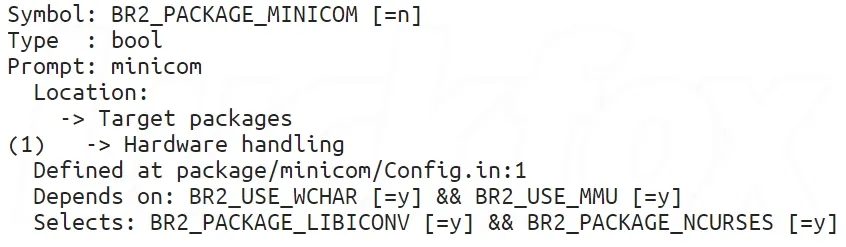
-
Press
YorSpaceto selectminicom, then choose Save to save the configuration.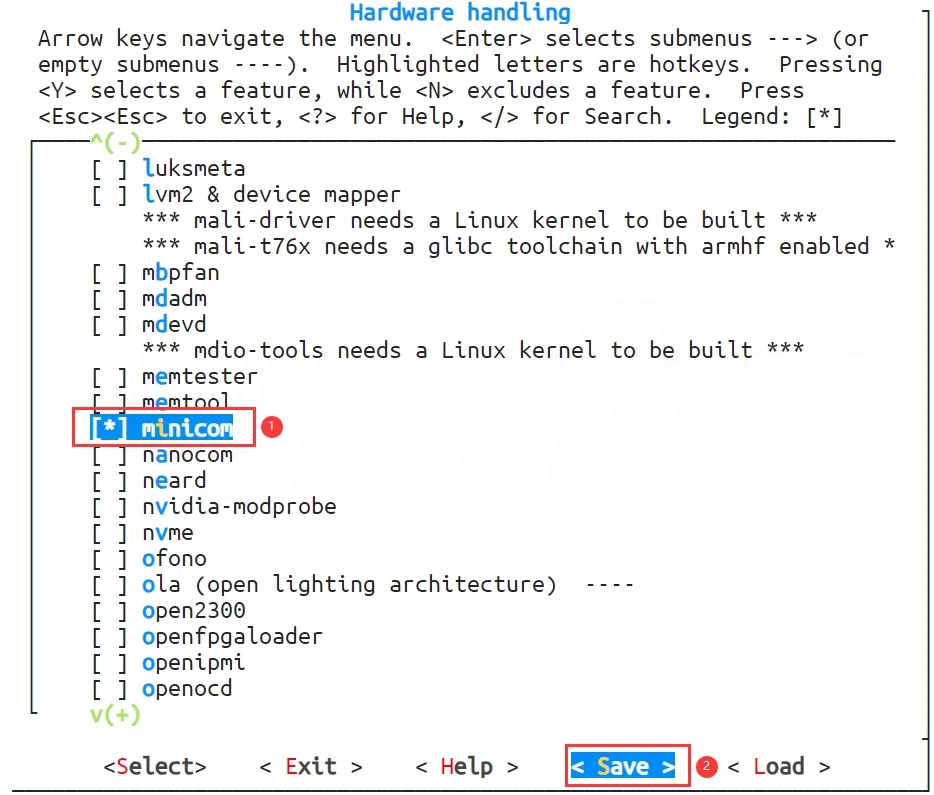
-
Select
OK, then pressEsctwice to exit.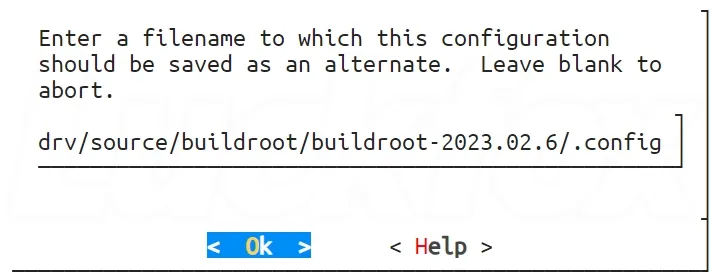
-
Compile the image. After compilation succeeds, use the
findcommand to check thatminicomhas been successfully integrated into the root filesystem:./build.shfind -name minicom